By default, when users log out from your website, they will be redirected to the Login Page with the message “You are now logged out“.
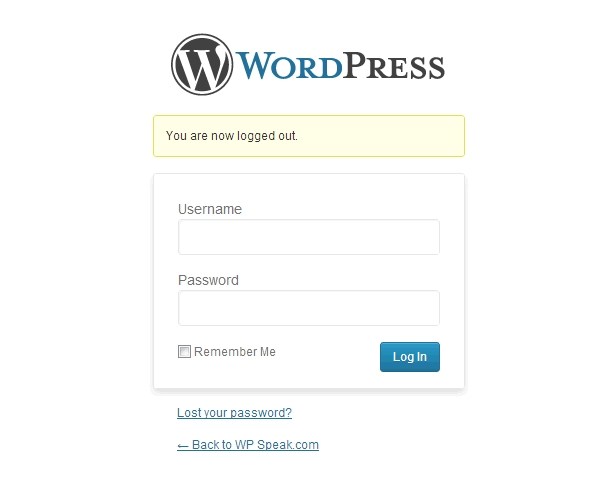
Yikes. That is not so user-friendly. Users have to click on the link at the bottom of the page that says “Back to WP Speak.com” to go back to the front page. Using the Peter’s Login Redirect plugin by Peter, you’ll be able to redirect your log out users to any custom page (your home page, special thank you page etc).
Before using the plugin, you will need to configure the settings page of the plugin. However, the setting page for the Log Out Redirect plugin isn’t obvious. To set your redirect link, you need to go to Settings > Login/Logout Redirects and configure the settings.

Enter your redirect URL for logout and hit the Save Changes button once you’re done. It’s that Simple.
Discussion