Previously I’ve written a tutorial on adding custom classes to your WordPress menu to further customize your menu. Have you ever wondered how to open those links in the menu in a new tab?
Sometimes it’s good to open the link in new tab, especially if you link to external site. By doing this, the visitor will not leave your website, they can simply go back to your site by switching the browser tab.
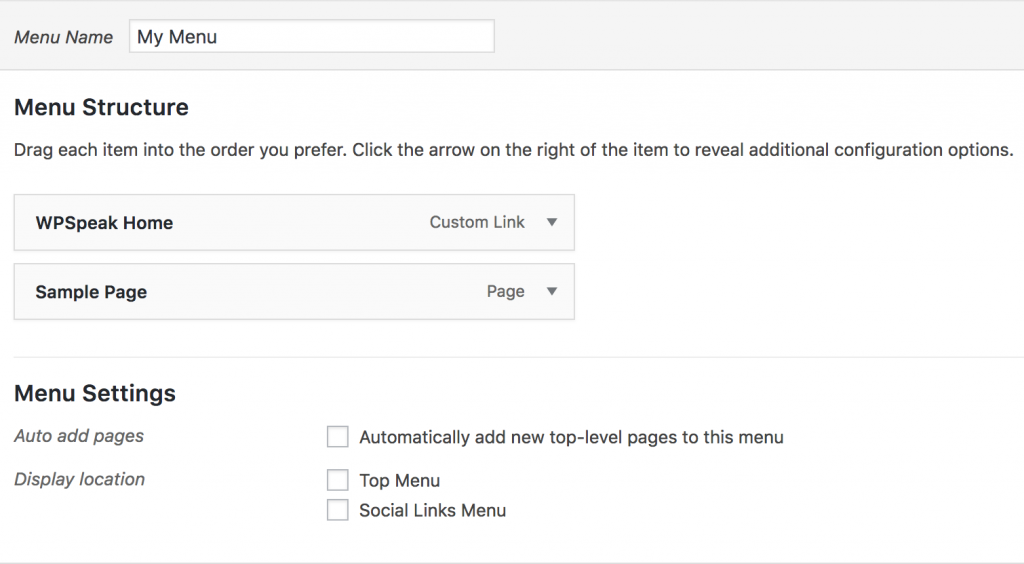
Firstly, create your WordPress menu. To do so, go to Appearance > Menus.
To enable the feature to open the menu in a new tab, click on the Screen Options button on the top right side of your screen. Then, tick on Link Target option.

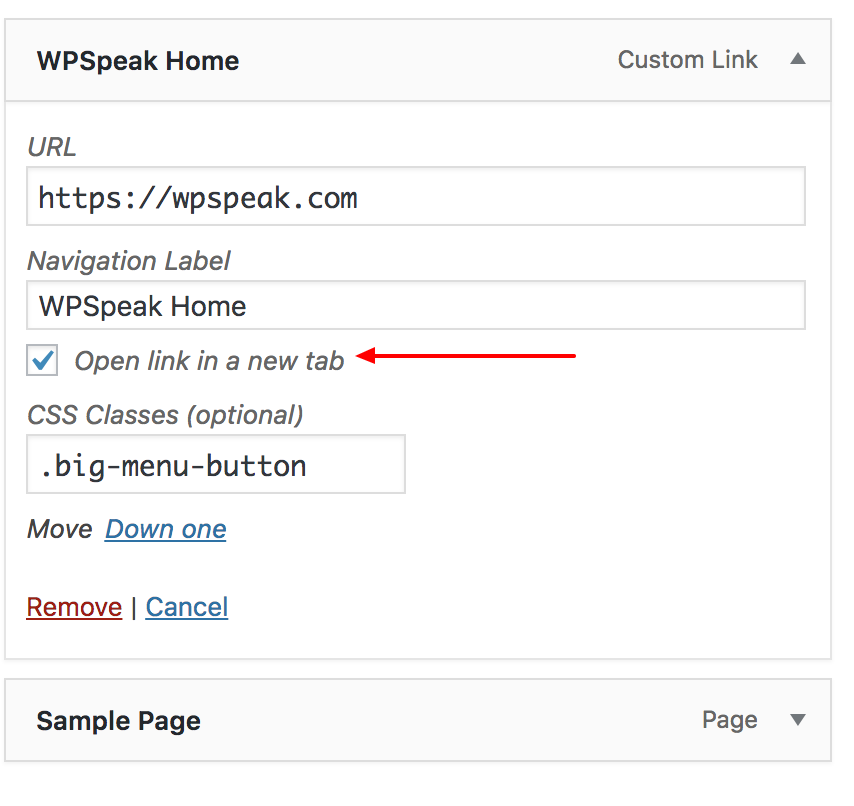
Once you’ve enabled it, a new option will be available. Then, you can choose whether you want to open the link in new tab by tick on the option. Then, hit the Save button.
You can verify whether this works by clicking on the menu on your site.
Discussion