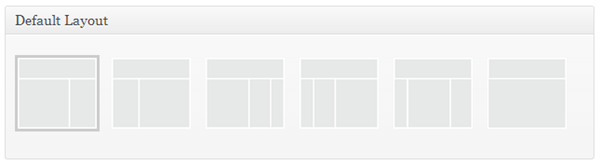
One of the best features in Genesis Framework is flexibility to change post layout per post/page. There are 6 different types of layouts:
- content-sidebar
- sidebar-content
- content-sidebar-sidebar
- sidebar-sidebar-content
- sidebar-content-sidebar
- full-width content
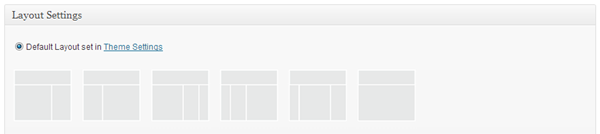
The default layout can be set up from the Genesis settings page. It is also possible to overwrite the default layout for any single post. To do so, while writing your article, scroll down until you see the Layout Settings metabox and choose any layout as you wish.
Remove Genesis Layouts
If you are a developer developing a theme for a client, sometimes you might want to limit the theme to only few layouts. Here’s the code you need to remove the Genesis layouts:
This code must be in your child theme’s functions.php file.
Discussion